Why Positive Visual Cues Outperform Loud Noise Meters
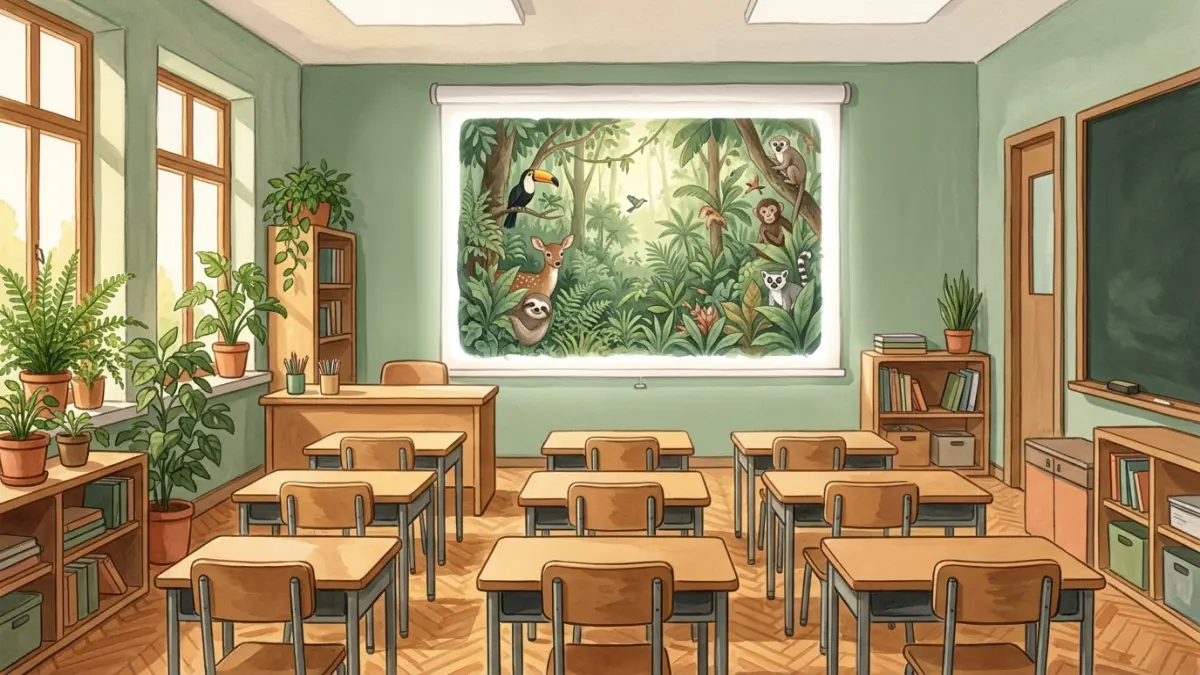
Traditional classroom noise apps often turn volume management into an accidental game: students clap or whisper loudly just to see a red bar jump or a siren pop up. Shy Safari flips that incentive completely. When you project a quiet savanna, coral reef, or night sky onto the whiteboard, the reward for calm focus is the scenery itself—watching curious wildlife emerge slowly across the screen.
Because students share one visible goal without competing against each other, teachers across elementary and middle school grades use Shy Safari smoothly throughout the daily schedule.
Five Ready-to-Run Classroom Routines
1. Sustained Silent Reading & Library Whisper Blocks
- Recommended Biome: Woodland Forest or Savanna
- Settings: Preset Silent or Independent · Pacing Normal (~5 min) · Mode Pause the scene
- How to run it: Start the scene right as students open their books. Because the first animal arrives after just 10–20 quiet seconds, the entire class settles almost immediately. During the last minute of reading, glance at the collection log together to note any newly discovered animals.
2. Middle School & Upper Elementary Silent Assessments
- Recommended Biome: Deep Space (17 sightings)
- Settings: Preset Silent · Pacing Relaxed · Mode Pause the scene
- Why it works: Older students rarely want cartoon farm noises during a math quiz or essay draft. Deep Space projects a calm starry horizon where satellites, astronauts, comets, and rare galaxies or black holes emerge subtly without distracting test-takers.
3. Science & Writing Cross-Curricular Field Journals
- Recommended Biome: Age of Dinosaurs (Cretaceous Floodplain) or Coral Reef
- Settings: Preset Independent · Pacing Normal
- Classroom extension: Invite early finishers to pick one animal spotted on the board during the week (such as an Ankylosaurus, Sea Turtle, or Narwhal from our 120 Animals & Rarity Guide) and write three real-world habitat facts in their science or writing notebook.
4. Partner Centers & Low-Voice Math Rotations
- Recommended Biome: Rainforest Jungle
- Settings: Preset Partner work · Custom dragged threshold · Mode Pause the scene
- How to run it: Calibrate the microphone with 5 seconds of silence and 5 seconds of normal partner voices (see our Mic & Sensitivity Setup Guide). Whenever center chatter creeps past indoor conversation volume, the rainforest clouds into a gentle tropical downpour—giving pairs a silent cue to lower their voices without the teacher raising theirs.
5. Post-Recess & Post-Lunch Cool-Down Reset (5 Minutes)
- Recommended Biome: Arctic Sea Ice
- Settings: Preset Silent · Pacing Lively (or custom 2-minute interval)
- Why it works: Switching to a faster Lively reveal pace during a five-minute transition lets students spot two or three Arctic visitors quickly as they drink water, catch their breath, and shift into afternoon focus.
Matching Shy Safari Settings to Your Class Size & Grade
| Grade Band | Favorite Biomes | Best Loud-Room Mode | Suggested Pacing |
|---|---|---|---|
| K–2 Primary | Savanna, Woodland Forest, Coral Reef | Pause the scene (gentle encouragement) | Lively or custom 2–3 min |
| Grades 3–5 | Age of Dinosaurs, Rainforest, Arctic | Animals run away or Pause | Normal (~5 min) |
| Grades 6–8 | Deep Space, Arctic Sea Ice | Pause the scene | Relaxed or Normal |
Introducing Shy Safari on Day One
Spend just two minutes introducing the tool before your first real work block:
- Project the chosen biome and explain that short accidents like coughs or dropped books will not scare the animals away—only sustained loud talking clouds the scene.
- Demonstrate the weather cue once on purpose (or preview it first in our Homepage Quiet Simulator) so students get their curiosity out of the way in ten calm seconds instead of testing it mid-lesson.
- Let students vote on Friday’s biome from the All 7 Biomes Guide as a zero-cost whole-class reward.
Frequently Asked Questions
Does Shy Safari work for middle school or upper elementary classrooms?
Yes. Deep Space was created with older students in mind, featuring satellites, astronauts, comets, ringed planets, and rare phenomena like black holes and pulsars without feeling overly childish.
What are the best Shy Safari settings for kindergarten through 2nd grade?
Use Lively pacing (or type a custom 2–3 minute interval in Settings) with Pause the scene enabled so younger K–2 learners see steady encouragement without getting upset by a stray noise.
How do I keep students from making noise on purpose to see the animals run away?
Preview the weather cue once together for ten seconds before the lesson starts so students know what happens when it gets loud, removing any temptation to test the microphone during quiet work.